
More photos. One story.
Bring your photos together with collage layouts, backgrounds and ratios.
Download on the App StoreIn-app purchases available.
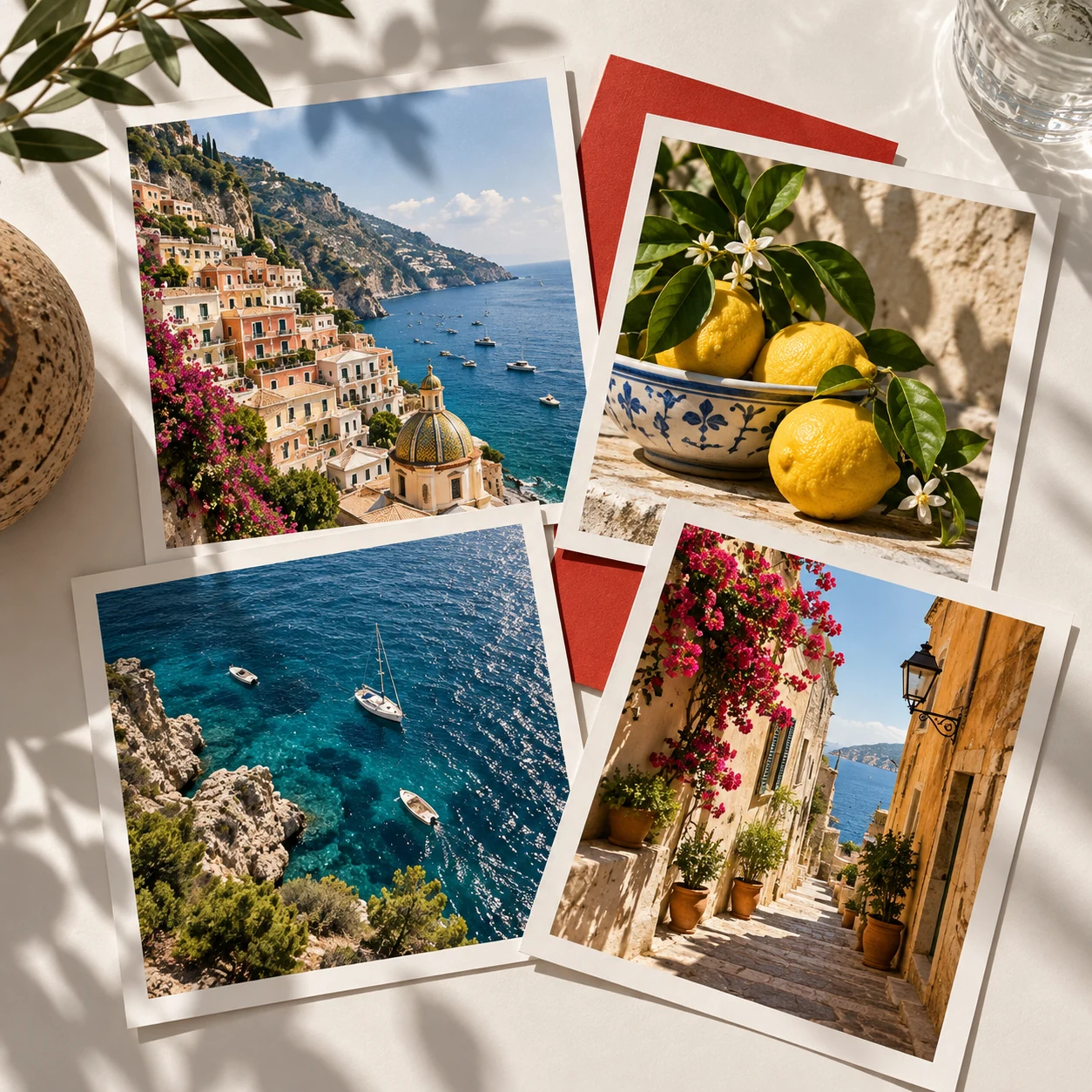
Choose a layout. Make it yours.
Pick photos, explore a layout and adjust the composition.
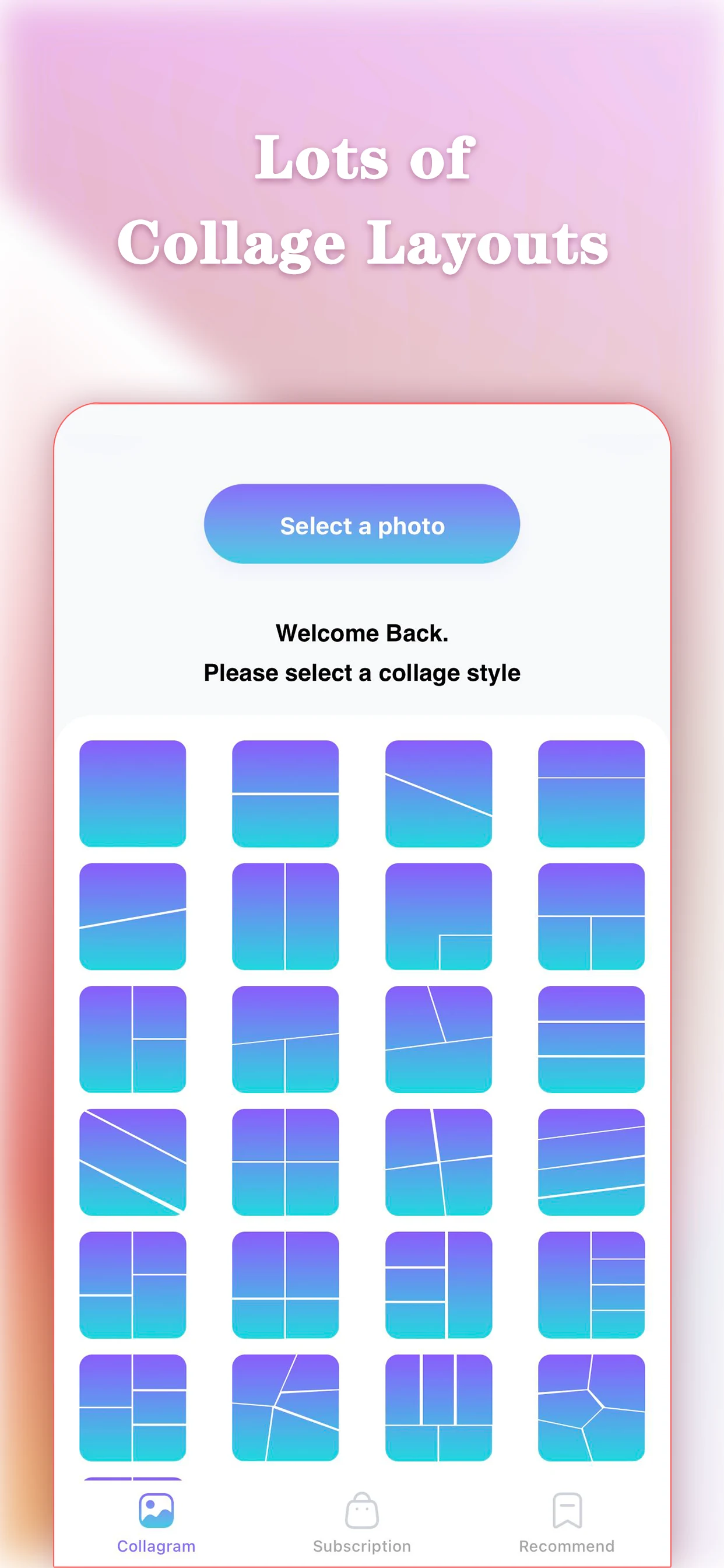
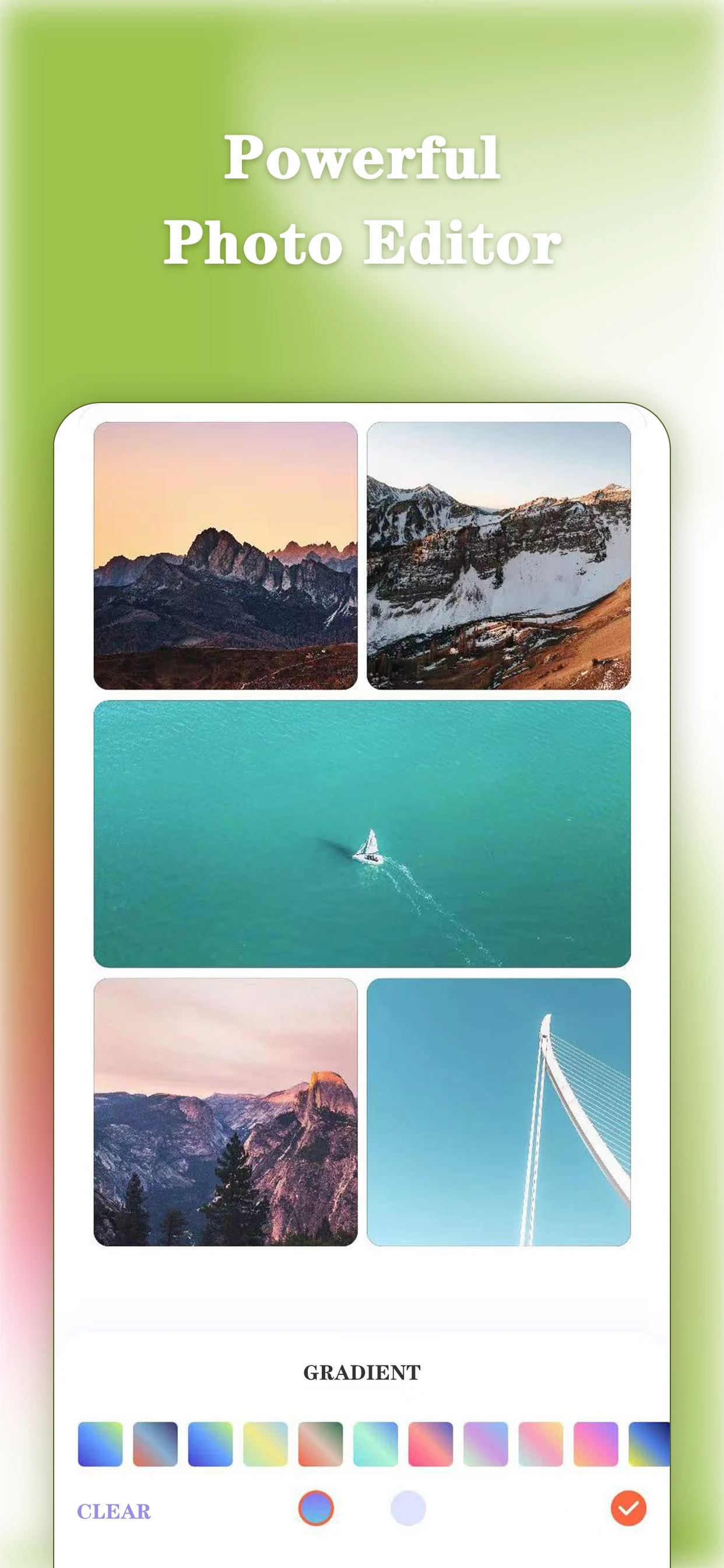
A place for every photo.
Choose your photos
Start with a small set of images that belong together.
Find a layout
Compare the available collage styles in the app.
Adjust the composition
Explore the ratio and background controls, then review.
Current App Store artwork. Options may vary.
Let one photo lead the story.
Choose a main image, then use the other photos to add details and context.
Explore the collage guidesA few photos, a thoughtful layout.
Before your first collage.
Need help? Visit Support.
What can I adjust in a collage?
Explore collage styles, backgrounds and ratios in the app.
Does Pic Puzzle Pro include purchases?
Some features require an in-app purchase. Availability and prices depend on the current offer and region. Review the details in the app before purchasing.
Can I make collages on this website?
Make collages in the Pic Puzzle Pro app. This website provides product information, guides and support.